
Designing an electronic enclosure for sensitive components calls for careful planning at every step. You need to balance form and function, but also make sure the design suits the project’s manufacturability and final use. In large-scale industrial, medical, or aerospace projects, these expectations only grow more demanding. A smart, well-executed design helps avoid expensive failures and lets your equipment last longer. Focusing early on essential factors will keep the process efficient from concept through production. Here are 10 considerations for designing a custom electronic enclosure that will help ensure your enclosure works perfectly for your project.
1. Define the Operational Environment
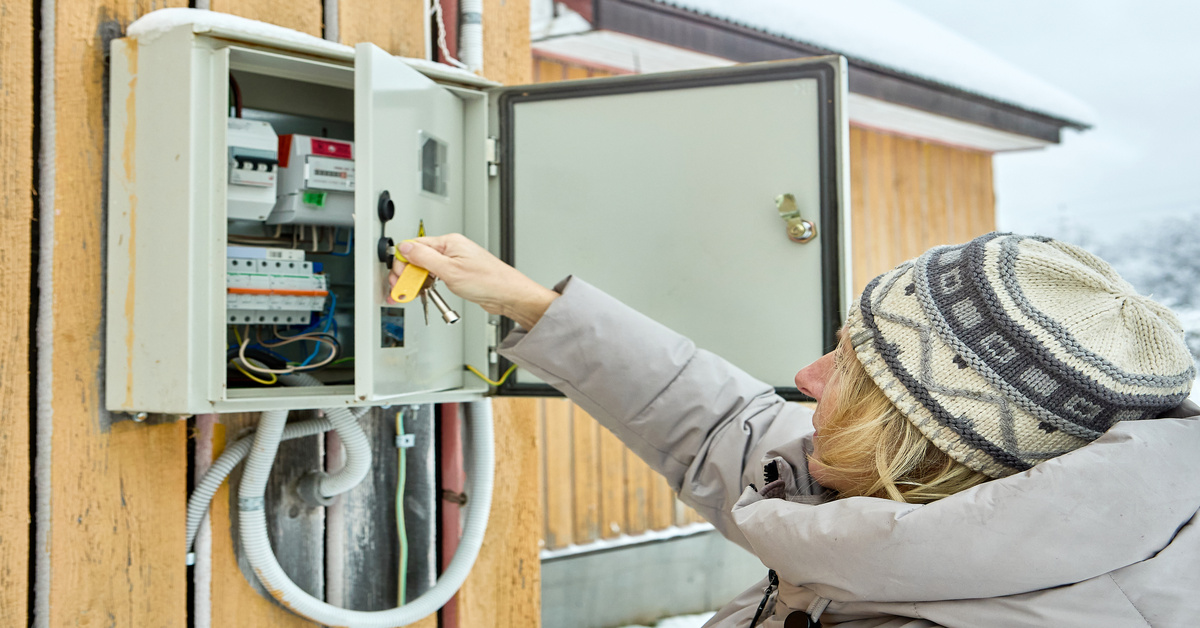
Where your enclosure operates shapes every aspect of its design. An enclosure for a climate-controlled data center will need something entirely different from one that faces outdoor weather or a tough industrial floor. Think about what the enclosure will encounter. Moisture, dust, harsh chemicals, and temperature extremes all come into play.
These factors shape your choices for materials, sealing, and thermal controls. Understanding the environmental demands helps you pick the right level of protection. Taking the time to study the operating environment up front ensures your enclosure keeps working reliably year after year.
2. Select the Appropriate Material
Choosing the right material shapes every aspect of your enclosure’s performance, from durability and weight to cost and heat management. You’ll find plastics, aluminum, and steel as the most common options. Aluminum stands out for its strength-to-weight ratio and built-in resistance to corrosion, making it a reliable pick for many demanding applications.
Steel gives you outstanding strength and durability, making it an ideal choice for tough or rugged environments. It does add weight, and you’ll need to protect it against corrosion with the right coatings. Matching the material to the enclosure’s environment, its structural needs, and any strict industry standards is a necessity if you want your enclosure to last.
3. Plan for Thermal Management
Every electronic component generates heat, and you need to keep temperatures in check to prevent performance dropping or early failure. Addressing thermal management at the start is not optional; it’s as critical as any other design feature. The right strategy depends entirely on how much heat your components put out and the temperature swings your enclosure will experience.
Passive cooling methods, like heat sinks and ventilation slots, work well for lower-power uses. Higher-power systems sometimes require more than that. Active cooling with fans and liquid cooling setups offer greater control. Using Computational Fluid Dynamics (CFD) during the design phase helps you visualize airflow and heat dispersal, so that you can fine-tune the placement of vents and fans before production.
4. Ensure Structural Integrity and Durability
Your enclosure needs to stand up to the mechanical stresses it will face throughout its service life. That means handling vibrations, shocks, and occasional bumps without missing a beat. The structure also has to support everything inside—circuit boards, power supplies, connectors—so nothing shifts or gets damaged during use.
Wall thickness, reinforcement features like ribs or gussets, and the assembly method all play critical roles in keeping the enclosure strong. Using Finite Element Analysis (FEA) lets you visualize how the structure holds up under real-world stressors before you even start fabrication. This helps to avoid costly do-overs and gives your project the durability it needs for long-term use.
5. Accommodate Component Layout and Accessibility
The right layout makes the most of available space and keeps every component within easy reach for assembly or maintenance. Plan carefully when arranging PCBs, wiring, and hardware. Smart cable routing avoids interference and helps maintain strong, reliable connections.
Easy access for maintenance makes a real difference over the lifespan of your enclosure. Features like removable panels, hinged doors, or slide-out trays streamline repairs and servicing. Smart layout choices up front keep assembly tasks straightforward and help prevent headaches when you need to replace or upgrade components down the line.
6. Address Electromagnetic Interference (EMI) Shielding
Electronic equipment naturally emits electromagnetic signals, and those signals can disrupt other devices if not contained. At the same time, outside interference can cause your system to malfunction.
You can address EMI shielding in a few key ways. Start by selecting conductive metals like aluminum or steel for the enclosure to block unwanted signals. Adding conductive coatings or specialized gaskets at seams and openings helps to close any gaps where interference might escape or enter. Don’t overlook proper grounding; it’s essential for a reliable EMI protection strategy. By weaving these elements into your enclosure design, you’ll keep your electronics operating smoothly without interference from the surrounding environment.
7. Plan for Cabling and Connectors
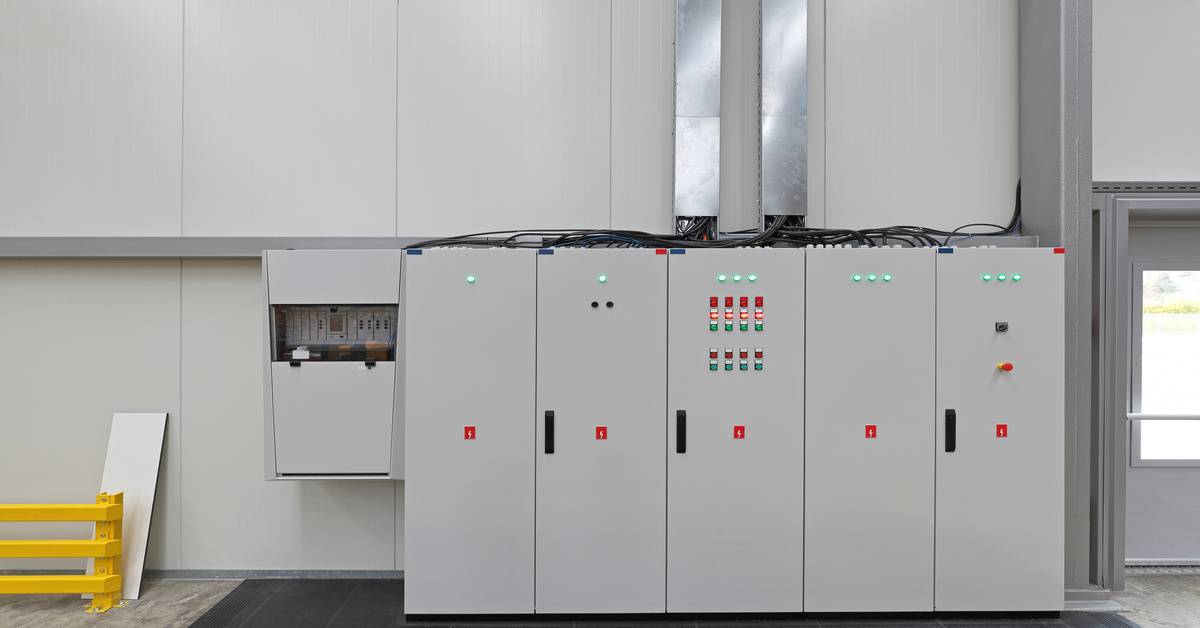
You need to specify every input and output (I/O) port, connector, and cable route before you finalize the enclosure. Decide on the exact type, number, and placement of all cutouts early. These details shape the way your design comes together. If you overlook this step, it’s easy to end up with cutouts that weaken the structure or disrupt your EMI shielding.
Think about how users interact with the enclosure when you choose connector locations. Place ports in spots that people will reach for often and that are easy to access. Include features like cable strain relief to keep connectors and wiring protected from everyday pulling or bending.
8. Prioritize Manufacturability and Assembly
Complicated designs often drive up cost and slow down production. Streamline your design wherever possible by reducing the number of unique parts and sticking to widely used, proven components. When parts fit together more easily, your enclosure reaches the assembly floor faster, and your team spends less time troubleshooting or reworking mistakes.
When you work with custom sheet metal enclosures, pay close attention to the real-world capabilities and constraints of metal fabrication, especially bending, cutting, and welding. Be specific about bend radii and part tolerances, so that production can move ahead smoothly and without errors. It pays to involve your manufacturing partner early, since their expertise with fabrication processes and tooling can help you fine-tune your design for easier, more cost-effective production.
9. Comply With Safety and Regulatory Standards
Every industry brings its own set of safety and compliance standards for electronic enclosures. Integrate every relevant safety and regulatory standard into your design from the beginning. Overlooking these requirements can cost you and sometimes even keep your product off the market. Know the specific standards for your industry and location up front, so you avoid surprises later in the process.
10. Consider Aesthetics and Branding
Function leads the way, but the appearance of your enclosure matters more than many realize. Users see and touch the enclosure first, forming lasting opinions about your product’s quality from that initial interaction. A sharp, polished design signals reliability and builds immediate confidence in your brand.
Aesthetics cover much more than color alone. Think about the finish, the overall form, and how your company’s logo or branding can stand out. These details pull everything together, blending durability with a strong sense of brand identity.
With all 10 considerations for designing a custom electronic enclosure in mind, you’re equipped to deliver an enclosure that looks sharp, stands up to real-world use, and meets every project need. When you’re ready to move from design to production, Sytech offers full turnkey solutions—from sheet metal fabrication and welding to finishing and assembly. Contact our team today to learn how we can help you.